

How to Set Up and Manage Blogs in ClickFunnels 2.0
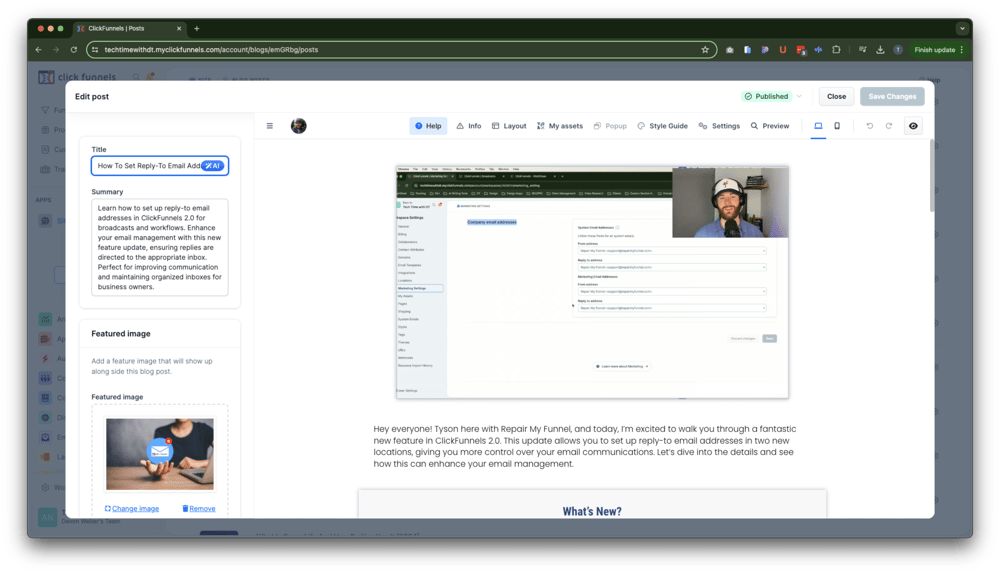
Hey everyone! Tyson here with Repair My Funnel, and today, I’m excited to give you an in-depth overview of the blog feature in ClickFunnels 2.0. This powerful tool is designed to help you create, manage, and optimize your blog directly within ClickFunnels. Let’s dive into what this feature offers and how it can benefit your business.
Setting Up Your Blog

First things first, to get your blog up and running, you need to enable the Site app in your workspace. This step is crucial as it unlocks the blogging functionality within ClickFunnels 2.0. Here’s how to do it:
- Enable the Site App:
• Go to “Apps,” click the plus icon, and add the “Site” app to your workspace.
Once enabled, you’ll have access to various features that make blogging straightforward and efficient.
Core Features of ClickFunnels 2.0 Blogging
- Recent Posts:
• This section displays your most recent blog posts, allowing you to manage and edit them directly from the overview tab. It’s a great way to keep track of your latest content and make quick adjustments. - Create and Manage Posts:
• In the “Blog” tab, click on “Create New Blog Post.” The editor is user-friendly and similar to the funnel page editor, ensuring a seamless experience. You can add images, format text, and incorporate other multimedia elements to enhance your posts. - Post Settings:
• Set the blog title, path (URL), SEO settings, and a featured image. Categorize your posts and add tags for better organization. This is essential for ensuring your content is easily navigable and well-organized. - Publishing Options:
• Save posts as drafts, schedule them to be published later, or publish immediately. Use the dropdown to change the status. This flexibility allows you to plan and execute your content strategy effectively.
Setting up booking pages in ClickFunnels 2.0 streamlines your scheduling process by integrating it directly within your sales funnels. This eliminates the need for third-party tools, ensures a seamless user experience, and keeps everything in one place. Whether you’re setting up consultations, sales calls, or group meetings, this feature enhances your productivity and professionalism.
Customizing Blog Templates
ClickFunnels 2.0 uses three main template pages to structure your blog:
- Blog Home Template:
• This template displays all your blog posts and can be customized to match your site’s design. It uses dynamic elements to automatically pull in blog titles, images, and links. This ensures a cohesive look and feel across your blog. - Blog Post Template:
• Customize the layout for individual blog posts. This template ensures consistency across all posts, dynamically pulling in the content you create. This means you can maintain a professional appearance without manual updates. - Blog Category Template:
• Organize your posts by categories with this template. Customize it to make it easy for readers to find content by topic. This is especially useful for blogs that cover a wide range of subjects.
Each of these templates is designed to dynamically pull in the appropriate content, so you only need to set up the layout and design once. After that, each new blog post will automatically fit into the existing framework, saving you time and ensuring consistency.
Why This Matters for Business Owners
For business owners, the blogging feature in ClickFunnels 2.0 is a game-changer. Here’s why:
- Integrated Platform: Manage all your marketing efforts, including blogging, within a single platform. This integration streamlines your workflow and boosts productivity.
- SEO Optimization: Customize SEO settings for each post to improve your search engine rankings and drive more organic traffic to your site. This helps you reach a wider audience.
- Engagement: Regularly updated blogs keep your audience engaged, informed, and returning for more content. It’s a great way to build a loyal following and establish your authority in your niche.
- Easy Customization: The use of dynamic templates makes it easy to maintain a consistent look and feel across your blog, ensuring a professional appearance without the need for constant manual updates.
Final Thoughts
The blogging feature in ClickFunnels 2.0 is designed to be user-friendly and powerful, providing everything you need to create, manage, and optimize your blog. Whether you’re sharing industry insights, company updates, or how-to guides, this tool will help you reach and engage your audience more effectively.
If you have any questions or need further assistance, please feel free to reach out to us at support@repairmyfunnel.com. Don’t forget to subscribe to our Tech Time newsletter for more tips and updates delivered every Monday!

Howdy, I'm Tyson
Owner Of Repair My Funnel
Growing your service business online shouldn't feel overwhelming or confusing. That's exactly why I created Repair My Funnel.
I've spent years mastering ClickFunnels and digital marketing systems, but more importantly, I've learned how to translate that expertise into simple, clear guidance for business owners who just want their online presence to work. My mission is helping established service businesses build professional websites, effective funnels, and reliable systems that attract and convert more clients without the tech stress.
Here on the blog, you'll discover practical strategies from our proven 5-pillar framework covering everything from building a solid website foundation to creating content that drives organic traffic. Whether you're a coach, contractor, wellness professional, or local service provider, you'll find step-by-step guides and real-world tactics designed specifically for service businesses like yours.
Ready to get actionable insights delivered weekly? Join the Spark & Scale Newsletter where I share my best strategies to help you attract more clients, streamline your systems, and grow your business with confidence.
Featured Articles

Struggling to understand what your audience wants or what content to create for them? There's a simple tool that can solve this problem for you: Answer the Public. This tool helps you gather valuable insights into your audience's search behavior, allowing you to tailor your content to their needs and improve your messaging.

In the ever-evolving world of digital marketing, optimizing your funnels for mobile users is crucial. With the majority of traffic coming from mobile devices, ensuring a seamless and efficient mobile experience can significantly impact your conversion rates. Today, we'll dive into how you can elevate your mobile optimization using a Chrome extension that simulates mobile devices and the powerful Chrome Developer Tools.

In this blog you will discover how to create a custom input fields inside of your funnel in ClickFunnels 2.0
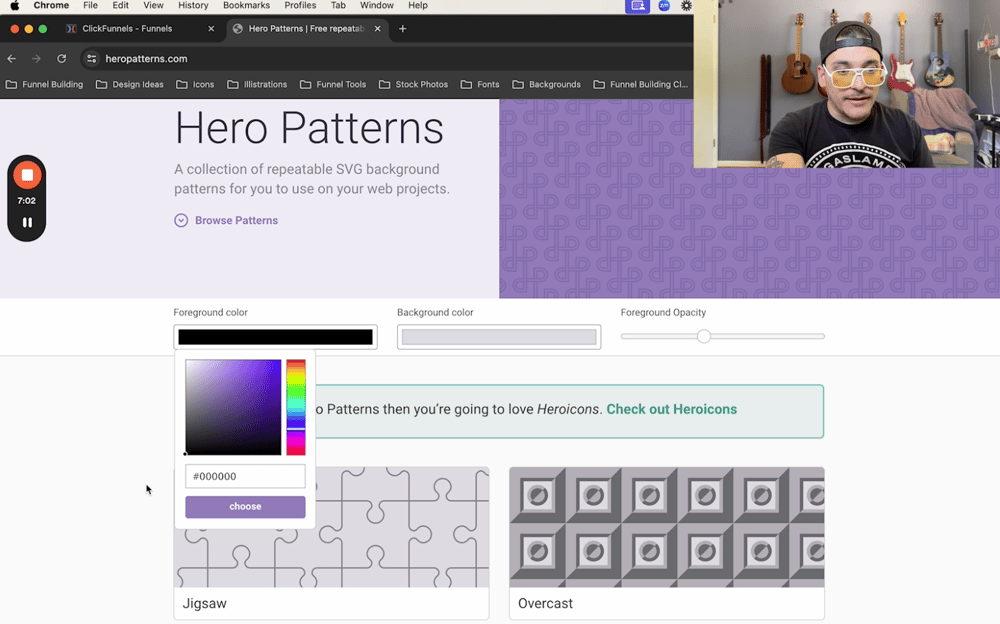
Hey everyone! Devon here with Repair My Funnel, and today we’re taking a look at a tool called Hero Patterns. This tool can be used to take your funnel backgrounds to the next level, and get you out of that spot in your building of wondering how to make your design pop. Let’s get started!

Latest Posts
Monday, September 02, 2024
Friday, August 23, 2024
Wednesday, August 21, 2024
RepairMyFunnel.com, a DT Designs LLC Product ■ All Rights Reserved © 2024-2025 ■ 1212 5th Ave N, Apt 2, Seattle, WA 98109
Privacy Policy - Terms - Disclaimer - Contact