

How to Transfer Funnels from ClickFunnels Classic to ClickFunnels 2.0 | Step-by-Step Guide
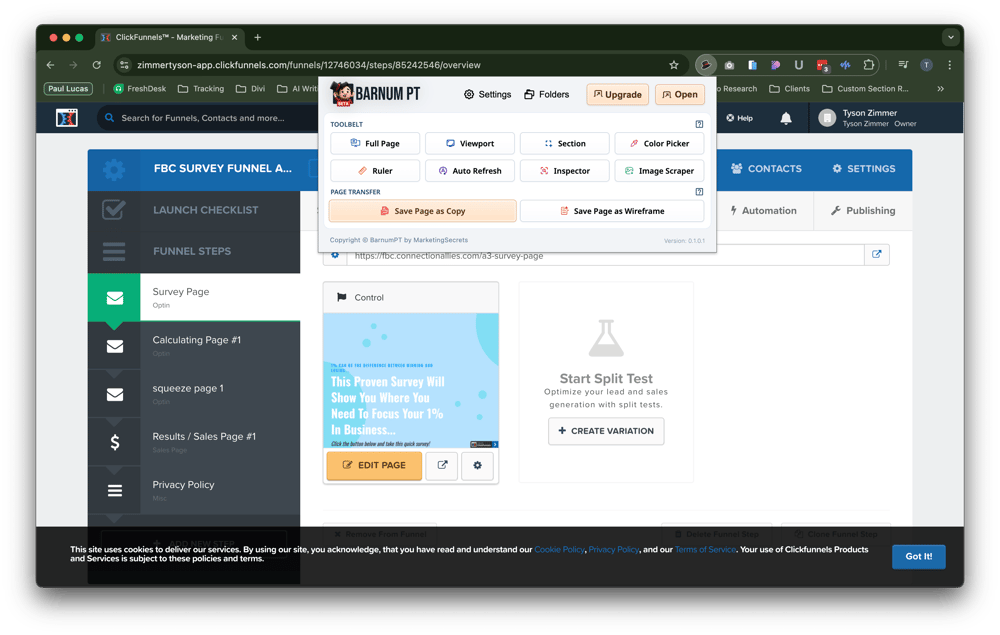
Transferring funnels from ClickFunnels Classic to ClickFunnels 2.0 is now easier thanks to a new tool called Barnum PT, which was recently released. In this step-by-step guide, we’ll walk you through the process of transferring your funnels, saving you the hassle of manually recreating each page.
Introduction
If you’ve been using ClickFunnels Classic, you’re likely familiar with the challenges of migrating funnels over to ClickFunnels 2.0. Fortunately, with the Barnum PT extension, transferring your funnels is now seamless. In this guide, we’ll show you how to use this powerful tool to efficiently clone and transfer your funnels from Classic to 2.0.
Step-by-Step Guide to Transferring Funnels from Classic to 2.0
1. Install the Barnum PT Extension
To get started, you’ll need to install the Barnum PT extension. Here’s how:
- Head over to app.barnumpt.com/install.
- Create an account if you don’t already have one.
- Install the extension following the on-screen instructions (available for Chrome and other browsers).
- Once installed, you’re ready to start the funnel transfer process.
2. Open ClickFunnels Classic and Select Your Funnel
Now that the extension is installed, you’ll need to access the funnel you want to transfer from ClickFunnels Classic:
3. Activate Barnum PT and Clone the Funnel Page
Once you’re on the funnel page in Classic:
4. Transfer the Funnel to ClickFunnels 2.0
After copying the funnel page, it’s time to transfer it to ClickFunnels 2.0:
- Open ClickFunnels 2.0 and navigate to the Funnels section.
- Click Create Funnel, then choose Start from Scratch.
- Name the funnel and create a new step or page within the funnel.
- Open the funnel page editor and click on the Barnum PT icon again.
- Choose Copied Pages, select the page you just copied from Classic, and let Barnum PT work its magic.
5. Review and Adjust the Transferred Funnel Page
After the page has been transferred to ClickFunnels 2.0:
6. Rinse and Repeat
If your funnel consists of multiple pages, repeat the process:
Tips for a Smooth Funnel Transfer
- Test Your Pages: After transferring, it’s important to thoroughly test each page to ensure it functions as expected.
- Check Custom Code: If you have custom CSS or JavaScript, double-check that these elements transfer correctly and apply any necessary tweaks.
- Optimize for 2.0: Take advantage of ClickFunnels 2.0’s new features to improve your funnel after transferring it over.
Final Thoughts
Transferring funnels from ClickFunnels Classic to ClickFunnels 2.0 no longer has to be a tedious process, thanks to the Barnum PT extension. This tool streamlines the migration process, allowing you to move entire funnel pages in just a few clicks. Remember to test and tweak after each transfer to ensure everything works smoothly in your new 2.0 setup.
If you have any lingering questions or need further assistance, feel free to reach out for support. And don’t forget to subscribe to our Tech Time newsletter for more tips, tricks, and guides sent directly to your inbox every Monday.
Additional Resources
For further assistance and more in-depth guides, check out these resources:
If you need personalized help, contact our support team at support@repairmyfunnel.com.
Additional FAQs
Can I transfer all types of funnel pages using Barnum PT?
Yes, Barnum PT allows you to transfer most types of funnel pages, including sales pages, opt-in pages, and webinar pages. However, certain elements like custom surveys or third-party integrations may require manual adjustments in ClickFunnels 2.0.
Is Barnum PT free to use?
Barnum PT offers both free and paid plans, depending on the features you need. The free plan should cover basic funnel transfers, but more advanced features may require a subscription.
What should I do if a page doesn’t transfer correctly?
If a page doesn’t transfer correctly, you may need to manually adjust certain elements, like background images or specific forms. Contact us at Repair My Funnel if you need assistance troubleshooting any issues.
Can I transfer funnels from other platforms like GoHighLevel?
Yes! Barnum PT supports the transfer of funnels from platforms like GoHighLevel to ClickFunnels 2.0. Future updates may include support for additional platforms like Elementor and Wix.
What are the limitations of the funnel transfer process?
While Barnum PT does an excellent job of transferring most elements, certain highly customized features or complex integrations may require manual adjustment post-transfer.

Howdy, I'm Tyson
Owner Of Repair My Funnel
Growing your service business online shouldn't feel overwhelming or confusing. That's exactly why I created Repair My Funnel.
I've spent years mastering ClickFunnels and digital marketing systems, but more importantly, I've learned how to translate that expertise into simple, clear guidance for business owners who just want their online presence to work. My mission is helping established service businesses build professional websites, effective funnels, and reliable systems that attract and convert more clients without the tech stress.
Here on the blog, you'll discover practical strategies from our proven 5-pillar framework covering everything from building a solid website foundation to creating content that drives organic traffic. Whether you're a coach, contractor, wellness professional, or local service provider, you'll find step-by-step guides and real-world tactics designed specifically for service businesses like yours.
Ready to get actionable insights delivered weekly? Join the Spark & Scale Newsletter where I share my best strategies to help you attract more clients, streamline your systems, and grow your business with confidence.
Featured Articles
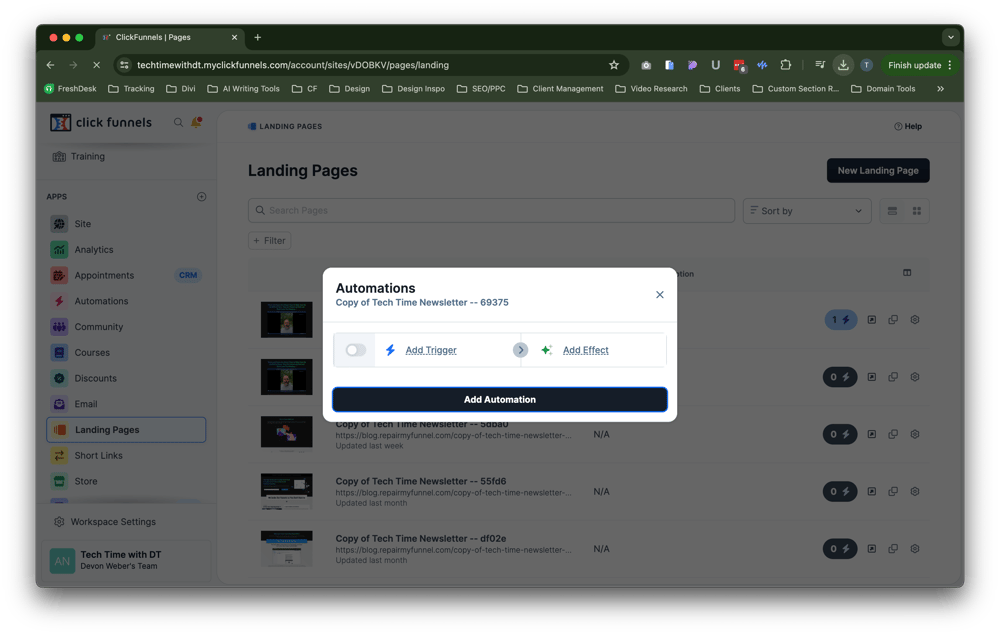
Learn how to set up one-step automations in ClickFunnels 2.0 with our step-by-step guide. Simplify your tasks and improve efficiency today.
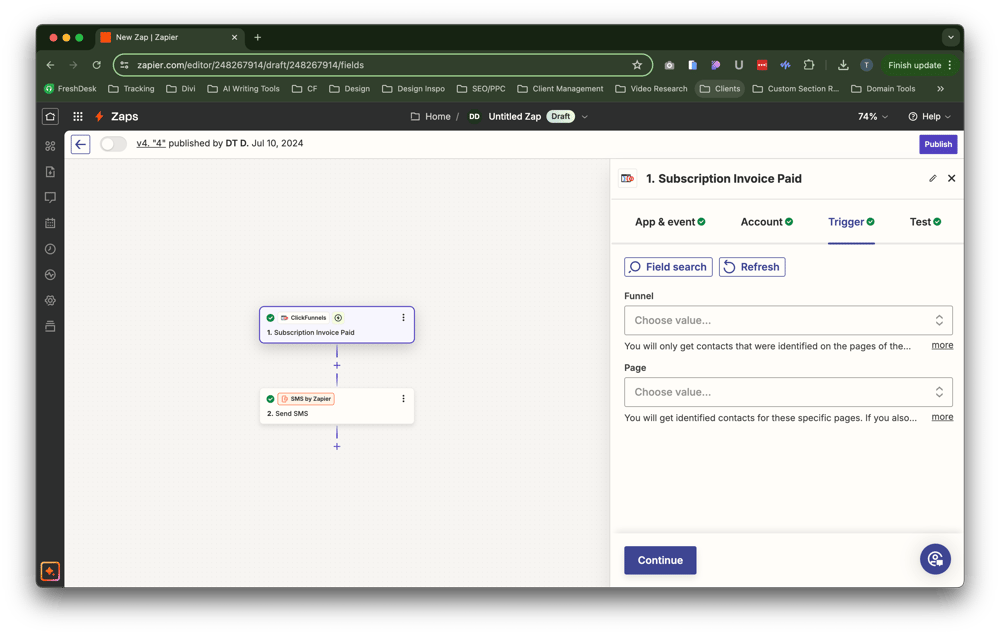
Learn how to connect Zapier to specific funnels and pages in ClickFunnels 2.0 with our step-by-step guide. Automate your workflow and improve efficiency today.
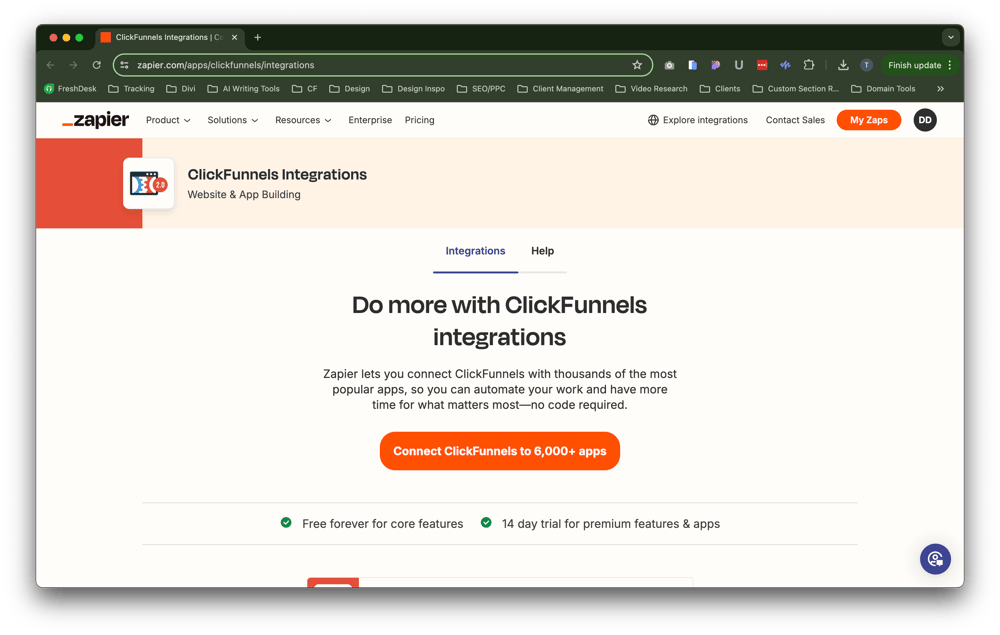
Learn how to set up free SMS notifications in ClickFunnels 2.0 using Zapier. Follow our easy step-by-step guide to stay on top of your leads and improve your workflow.
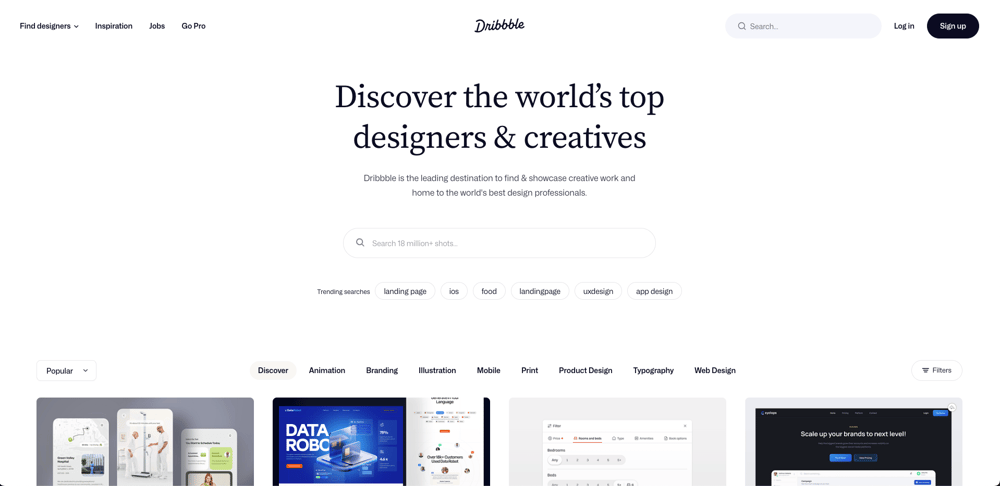
Discover how to take your funnel and website designs to the next level using Dribbble. Learn how to find inspiration, incorporate animations, and explore branding kits to create professional and engaging designs.

Latest Posts
How to Trigger Workflows Based on Workflow Email Actions in ClickFunnels 2.0 | Step-by-Step Tutorial
Monday, September 16, 2024
Monday, September 02, 2024
Monday, September 02, 2024
RepairMyFunnel.com, a DT Designs LLC Product ■ All Rights Reserved © 2024-2025 ■ 1212 5th Ave N, Apt 2, Seattle, WA 98109
Privacy Policy - Terms - Disclaimer - Contact