

4 Essential Steps to Testing Your Funnel or Website Before Launch

Hello everyone! My name is Devon from Repair My Funnel, and today I’m going to show you how to test your funnel or website to make sure it’s ready for launch. Testing is super important because it helps you catch any issues before your customers do. In this guide, I’ll walk you through four simple steps to ensure your funnel or website works perfectly when you go live. Let’s get started!
Step 1: Test the Funnel Yourself
Walking Through the Funnel
The first step is to test the funnel yourself, just like you were a customer. Pretend you’re buying something or signing up for a service. Check if all the buttons work, if the forms are submitting properly, and if the information goes to the right place.
Make Sure Everything is Clear
Also, pay attention to how easy it is to understand. Is it clear what people need to do next? Are the instructions simple to follow? If you can easily move from one step to the next, you’ve covered the basics!
Step 2: Test on Multiple Devices
Try Different Devices and Browsers
Now that you’ve tested your funnel on your main device, it’s time to try it on others. Use different phones, tablets, and computers. Test on various browsers like Chrome, Firefox, Safari, and even Brave or Opera.
Why This is Important
Sometimes, something that looks great on one device might not work well on another. For example, a button might not show up on an Android phone but works fine on an iPhone. Testing on multiple devices ensures that everyone who visits your funnel or website has a smooth experience.
Step 3: Check the Analytics
Review the Numbers
After you’ve tested the basics, it’s time to look at the analytics. Analytics are the numbers that show you how your funnel is performing. Tools like ClickFunnels, Google Analytics, and Facebook Business Manager can help you see how many people visit your page, how many sign up, and more.
Watch for Big Differences
If the numbers are very different between platforms (like showing 700 visits on ClickFunnels but only 2 on Google), something might be wrong. You might need to check for errors or contact support if something seems off.
Step 4: Get Feedback from Others
Ask Friends and Family for Help
Finally, ask your friends or family to test the funnel. They can give you feedback on anything that’s confusing, hard to use, or just doesn’t look right. Sometimes, they’ll notice things you might have missed because you’re too close to the project.
Why Feedback Matters
Getting feedback before you launch can save you from problems later on. If your friends and family find something confusing, chances are your customers might too. Fixing these issues now makes your funnel stronger and more effective.
Final Thoughts
By following these four steps, you’ll be in great shape to launch your funnel or website. Remember to walk through it yourself, test on multiple devices, check your analytics, and get feedback from others. These simple steps can make a big difference in how successful your launch will be.
Additional Resources
For further assistance and more in-depth guides, check out these resources:
If you need personalized help, contact our support team at support@repairmyfunnel.com.
Additional FAQs
What if I find something wrong while testing?
If you find an issue, don’t panic! Go back to the part of the funnel where the problem happened and try to fix it. You might need to adjust the settings, change a link, or contact support for help.
How often should I test my funnel?
It’s a good idea to test your funnel before every big launch or update. Even if you’ve used the funnel before, testing helps you catch any new issues.
Can I skip testing on other devices if everything looks good on my computer?
No, it’s important to test on multiple devices. Just because it works on your computer doesn’t mean it will work on someone else’s phone or tablet. Testing on different devices helps you make sure everyone has a good experience.
Why are the analytics numbers different on each platform?
Analytics can vary a bit from platform to platform because they track data in slightly different ways. What you’re looking for are big differences that might indicate a problem, like a huge drop in visits or sign-ups.
How do I know if my funnel is ready to launch?
Your funnel is ready to launch when everything works smoothly, the numbers make sense, and the feedback from others is positive. If you’re confident that your funnel is easy to use and error-free, you’re good to go!

Howdy, I'm Tyson
Owner Of Repair My Funnel
Growing your service business online shouldn't feel overwhelming or confusing. That's exactly why I created Repair My Funnel.
I've spent years mastering ClickFunnels and digital marketing systems, but more importantly, I've learned how to translate that expertise into simple, clear guidance for business owners who just want their online presence to work. My mission is helping established service businesses build professional websites, effective funnels, and reliable systems that attract and convert more clients without the tech stress.
Here on the blog, you'll discover practical strategies from our proven 5-pillar framework covering everything from building a solid website foundation to creating content that drives organic traffic. Whether you're a coach, contractor, wellness professional, or local service provider, you'll find step-by-step guides and real-world tactics designed specifically for service businesses like yours.
Ready to get actionable insights delivered weekly? Join the Spark & Scale Newsletter where I share my best strategies to help you attract more clients, streamline your systems, and grow your business with confidence.
Featured Articles

Learn everything you need to know about the new Frameworks Beta feature in ClickFunnels 2.0. Share workspaces, funnels, themes, and more with ease. Step-by-step guide.

Discover Barnum PT, the all-in-one funnel hacking tool for ClickFunnels 2.0. Learn how to transfer funnels, take screenshots, and inspect elements in this full tutorial.
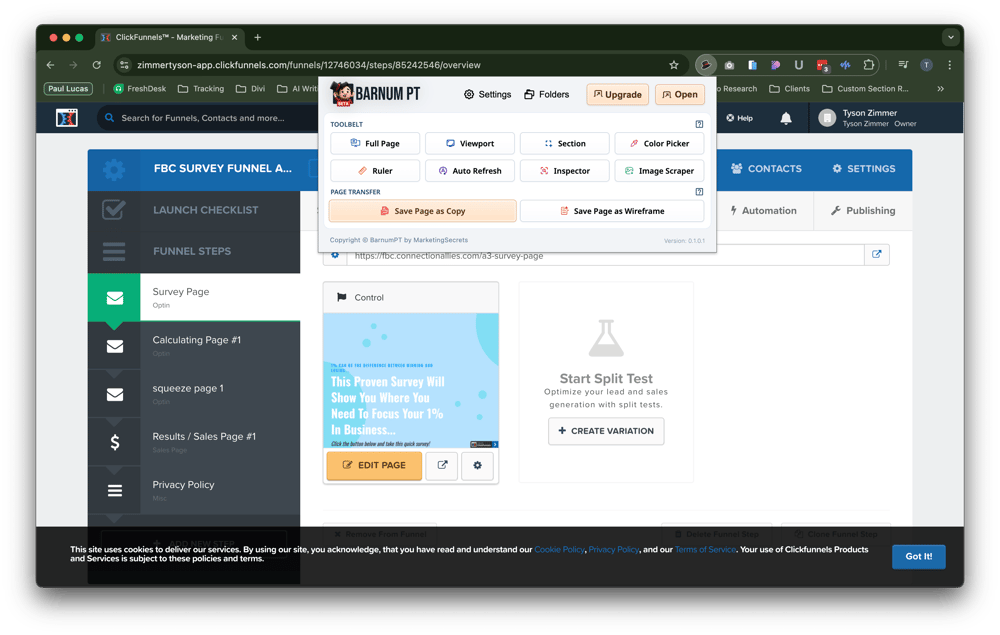
Learn how to transfer funnels from ClickFunnels Classic to ClickFunnels 2.0 with our easy step-by-step guide. Use the Barnum PT extension to clone and migrate your funnels in just a few clicks.
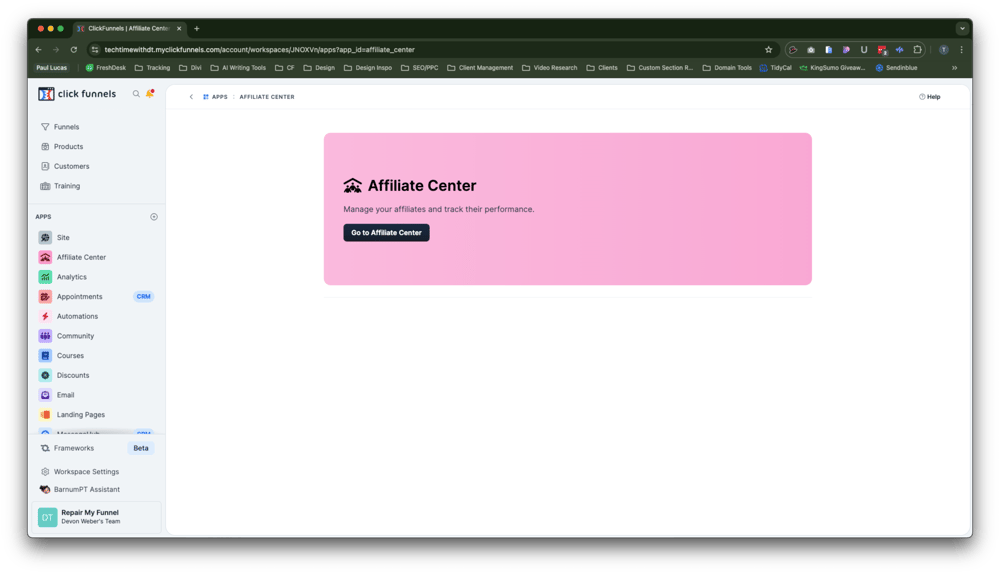
Learn how to create a powerful affiliate program in ClickFunnels 2.0 with this comprehensive step-by-step guide. Set up commission plans, manage affiliates, and automate sign-ups to grow your business with ease. Discover how to integrate affiliates into your marketing funnel and track their performance.

Latest Posts
Monday, November 04, 2024
Monday, October 21, 2024
Monday, October 07, 2024
RepairMyFunnel.com, a DT Designs LLC Product ■ All Rights Reserved © 2024-2025 ■ 1212 5th Ave N, Apt 2, Seattle, WA 98109
Privacy Policy - Terms - Disclaimer - Contact