

How To Create A URL For Split Tests
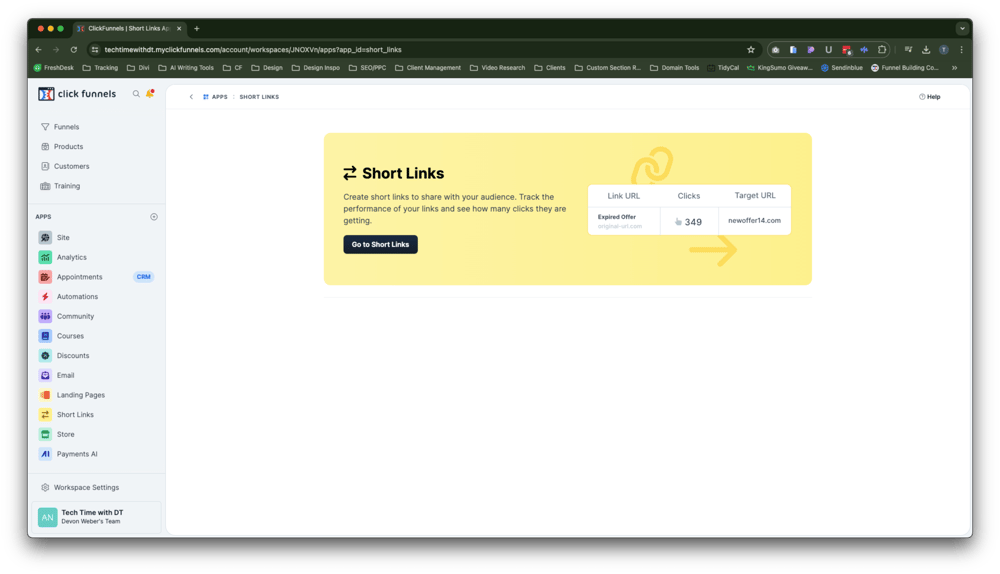
Hey everyone! Tyson here with Repair My Funnel, and today, I’m excited to walk you through how to set up a URL for a split test inside your funnels. This is a handy trick if you’re looking to send traffic to an order page or any other page with a split test running, ensuring you can still benefit from A/B testing while directing users to the correct destination.
Why Create a URL for Split Tests?
You might wonder, why would you want to do this? Well, if you’re running campaigns, sending follow-up emails, or driving traffic from different sources to a specific page (like an order form), you want to ensure that visitors are directed properly, and your split tests are still in play. This allows you to see which version performs better and optimizes conversions.
Setting Up a URL for Split Tests

- Access the Short Links App:
• First, you’ll need to access the Short Links app from your ClickFunnels 2.0 account. Go to the apps menu by clicking on the plus icon next to the apps headline.
• Find the Short Links app in the list and add it to your workspace if you haven’t already. - Create a New Short Link:
• Once the Short Links app is active, click on it to create a new redirect.
• Give your short link a name that makes sense for your campaign. For example, you might call it “Order Form Split Test”. - Set Up the Target URLs:
• You’ll need to specify the target URLs for your split test. Go to your funnel and copy the URL for the original page. Paste this URL into the “Target URL” field.
• Next, go back to the funnel, copy the URL for the split test variant, and paste this into the “Split Test URL” field. - Configure the Split Test Percentage:
• Ensure the percentage distribution for the split test in the Short Links app matches the one in your funnel. Typically, this would be a 50/50 split. - Customize the URL Path:
• You can customize the path name to something more user-friendly or relevant to your campaign. For instance, instead of “order-form-split-test,” you might choose something like “special-offer” or “limited-deal”. - Finalize and Test
• Click on “Create URL Redirect” to finalize the setup.
• Test the new short link by opening it in an incognito window to ensure it directs traffic correctly. You should see both the original and variant pages being served in line with your split test setup. - Using the URL in Campaigns:
• Now you can use this short URL in your email campaigns, social media posts, or any other traffic sources. It ensures that users will be directed to either version of your split test, helping you gather the necessary data to optimize your pages.
Real-World Application
Here’s how this works in practice:
- Email Campaigns: You can include the short URL in your follow-up emails, ensuring that recipients who click through will be evenly split between your test variants.
- Social Media: When promoting your funnel on social media, use the short URL to drive traffic while maintaining the integrity of your split test.
- Ad Campaigns: For paid ads, using the short URL helps you keep your testing consistent and ensures that all traffic is considered in your split test analysis.
Advanced Options

For those looking to get even more out of this setup:
- Tracking and Analytics: You can add pixel codes or UTM parameters to your short link for more detailed tracking and analytics. This helps you monitor the performance of each variant and understand user behavior better.
- Custom Redirect Rules: Depending on your needs, you might want to set up additional rules or conditions for the redirect, which can be managed within the Short Links app.
Final Thoughts
Setting up a URL for split tests is a powerful way to ensure that your A/B testing is robust and effective. By directing traffic appropriately, you can gather valuable data and continuously optimize your funnels for better performance.
If you have any questions or need further assistance, feel free to leave a comment below or reach out to us directly at support@repairmyfunnel.com. We’re here to help!

Howdy, I'm Tyson
Owner Of Repair My Funnel
Growing your service business online shouldn't feel overwhelming or confusing. That's exactly why I created Repair My Funnel.
I've spent years mastering ClickFunnels and digital marketing systems, but more importantly, I've learned how to translate that expertise into simple, clear guidance for business owners who just want their online presence to work. My mission is helping established service businesses build professional websites, effective funnels, and reliable systems that attract and convert more clients without the tech stress.
Here on the blog, you'll discover practical strategies from our proven 5-pillar framework covering everything from building a solid website foundation to creating content that drives organic traffic. Whether you're a coach, contractor, wellness professional, or local service provider, you'll find step-by-step guides and real-world tactics designed specifically for service businesses like yours.
Ready to get actionable insights delivered weekly? Join the Spark & Scale Newsletter where I share my best strategies to help you attract more clients, streamline your systems, and grow your business with confidence.
Featured Articles
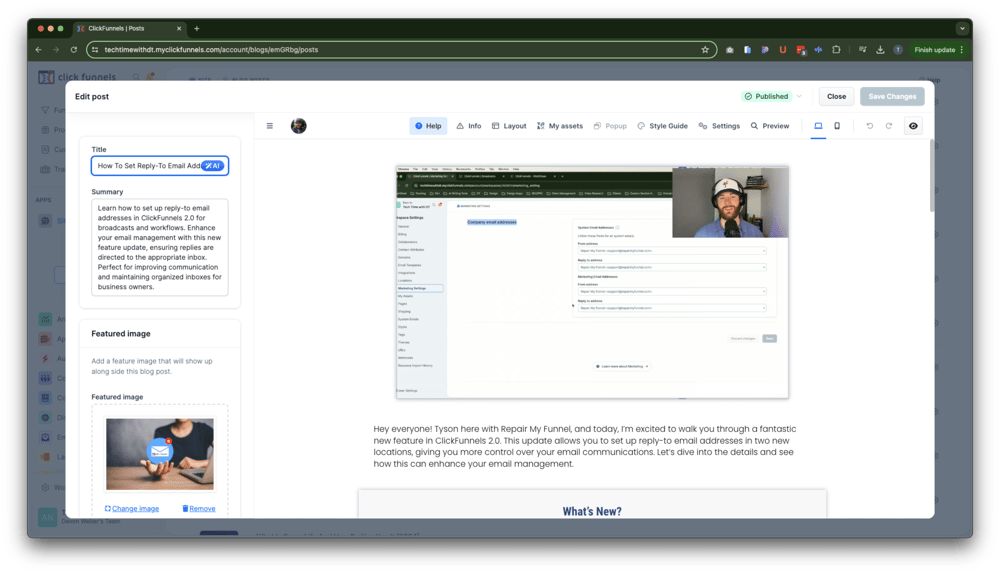
Discover the new blogging feature in ClickFunnels 2.0. Learn how to set up, manage, and customize your blog to enhance your business’s online presence. Perfect for business owners looking to integrate blogging into their marketing strategy.
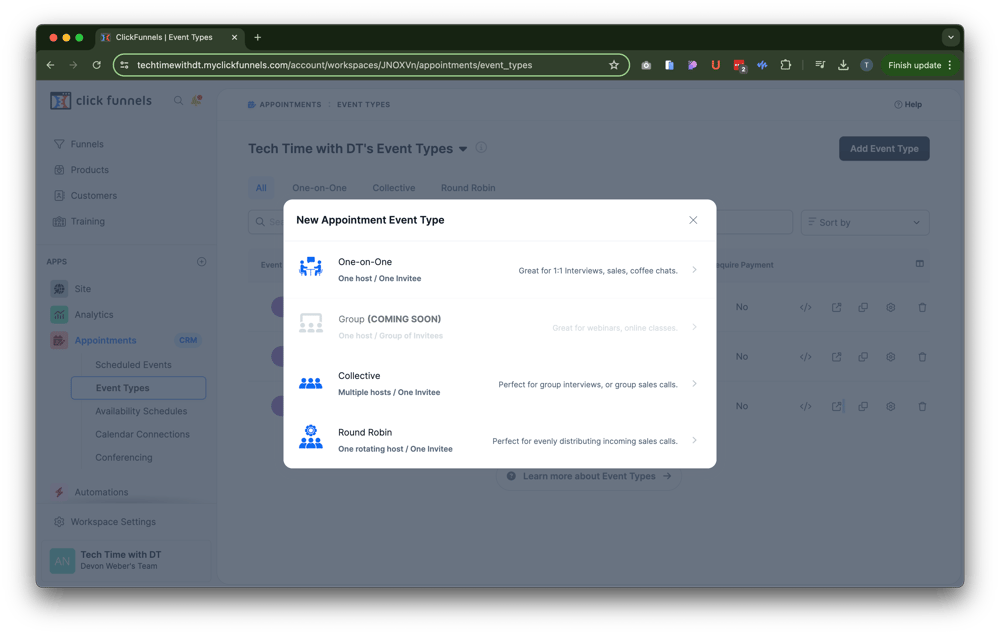
Learn how to set up booking pages in ClickFunnels 2.0. Our step-by-step guide covers creating event types, configuring details, and embedding booking forms in your funnels, perfect for streamlining your scheduling process.

Learn how to grant sub-module access in ClickFunnels 2.0 with our step-by-step guide. This new feature allows for more customized course management, enhancing user experience and creating upsell opportunities. Perfect for business owners looking to optimize their online courses.

Learn how to set up reply-to email addresses in ClickFunnels 2.0 for broadcasts and workflows. Enhance your email management with this new feature update, ensuring replies are directed to the appropriate inbox. Perfect for improving communication and maintaining organized inboxes for business owners.

Latest Posts
Monday, August 19, 2024
Monday, August 19, 2024
Monday, August 19, 2024
RepairMyFunnel.com, a DT Designs LLC Product ■ All Rights Reserved © 2024-2025 ■ 1212 5th Ave N, Apt 2, Seattle, WA 98109
Privacy Policy - Terms - Disclaimer - Contact