

How to Use Hero Patterns to Take Your Funnel Backgrounds to the Next Level
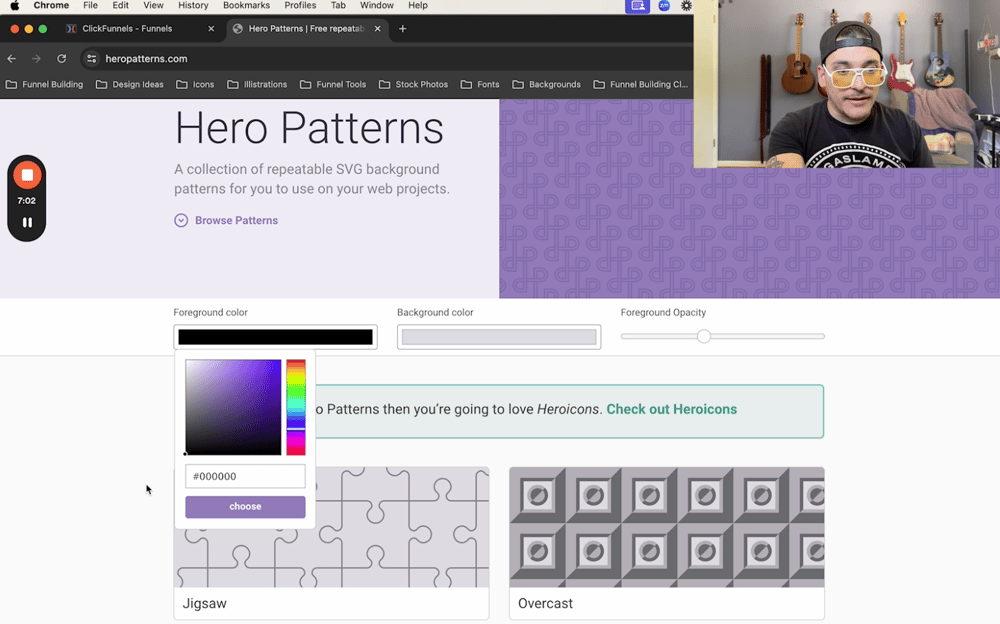
Hey everyone! Devon here with Repair My Funnel, and today we’re taking a look at a tool called Hero Patterns. This tool can be used to take your funnel backgrounds to the next level, and get you out of that spot in your building of wondering how to make your design pop. Let’s get started!
Step-by-Step Guide to Using Hero Patters

- Go To Hero Patterns
• Go to heropatterns.com. - Adjust the Foreground and Background Preset Colors
• On the sites main page, I recommend first adjusting the background and foreground color presets to a desired setting so that each background example is already at a good starting point for your design. - Choose Your Design and Download
• Once you find a design you like click on the design.
• Download the SVG file (You can create the same effect with CSS but this method is a bit easier to manage). - Upload the Image to ClickFunnels 2.0
• Navigate to a Funnel of your choosing and go to the page editor.
• Navigate to a section and go to the settings.
• Make sure that the paint color is set to none
- Adding Image to Section Background
• Navigate to the background setting and toggle it on.
• Under the Image URL sub section add your image that you have uploaded to your account. - Adjusting Image Position and Foreground
• Under Image Style you can now adjust the actual position of your background image
• Lastly I recommend adjusting the foreground color until you have your desired overlay color on your funnel step.
Why This is Beneficial
Integrating patterns into your funnels can introduce a fresh design element that enhances customer engagement, encouraging them to remain at each step. This tool also provides a convenient way to keep your design skills sharp and stimulate innovative ideas.
Final Thoughts
That’s it for today’s tool on how to use Hero Patterns in your funnel backgrounds. If you have any questions or need further assistance, feel free to reach out to us directly at support@repairmyfunnel.com. Don’t forget to subscribe to our free Tech Time newsletter for more tips and updates delivered weekly!
Have a fantastic day, and happy funnel building!

Howdy, I'm Tyson
Owner Of Repair My Funnel
Growing your service business online shouldn't feel overwhelming or confusing. That's exactly why I created Repair My Funnel.
I've spent years mastering ClickFunnels and digital marketing systems, but more importantly, I've learned how to translate that expertise into simple, clear guidance for business owners who just want their online presence to work. My mission is helping established service businesses build professional websites, effective funnels, and reliable systems that attract and convert more clients without the tech stress.
Here on the blog, you'll discover practical strategies from our proven 5-pillar framework covering everything from building a solid website foundation to creating content that drives organic traffic. Whether you're a coach, contractor, wellness professional, or local service provider, you'll find step-by-step guides and real-world tactics designed specifically for service businesses like yours.
Ready to get actionable insights delivered weekly? Join the Spark & Scale Newsletter where I share my best strategies to help you attract more clients, streamline your systems, and grow your business with confidence.
Featured Articles
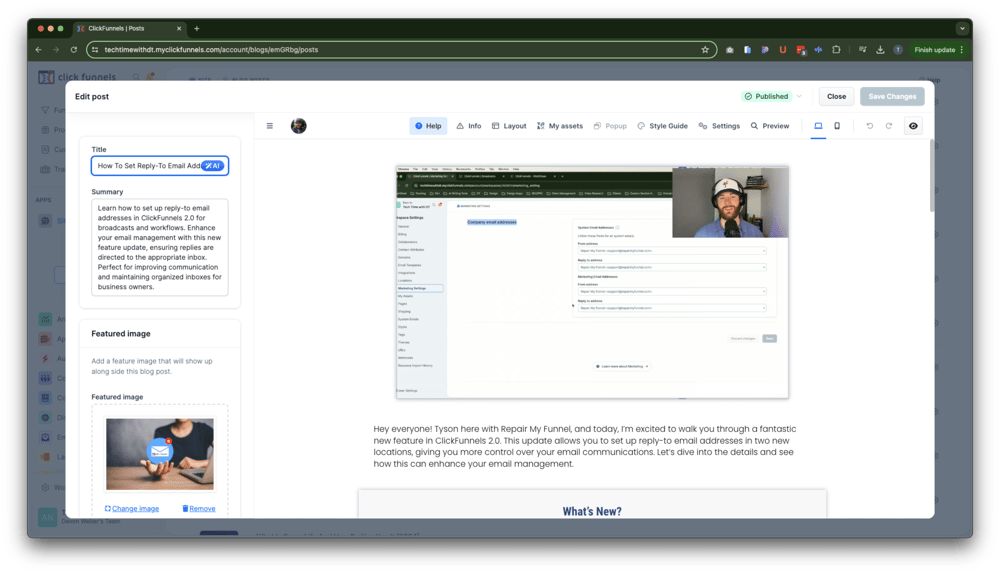
Discover the new blogging feature in ClickFunnels 2.0. Learn how to set up, manage, and customize your blog to enhance your business’s online presence. Perfect for business owners looking to integrate blogging into their marketing strategy.
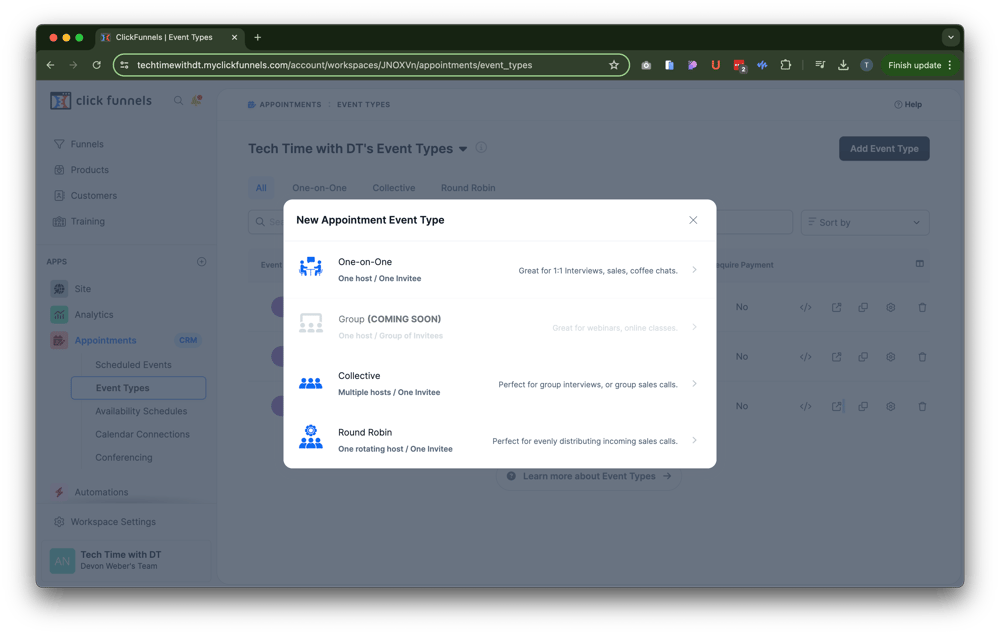
Learn how to set up booking pages in ClickFunnels 2.0. Our step-by-step guide covers creating event types, configuring details, and embedding booking forms in your funnels, perfect for streamlining your scheduling process.

Learn how to grant sub-module access in ClickFunnels 2.0 with our step-by-step guide. This new feature allows for more customized course management, enhancing user experience and creating upsell opportunities. Perfect for business owners looking to optimize their online courses.

Learn how to set up reply-to email addresses in ClickFunnels 2.0 for broadcasts and workflows. Enhance your email management with this new feature update, ensuring replies are directed to the appropriate inbox. Perfect for improving communication and maintaining organized inboxes for business owners.

Latest Posts
Monday, August 19, 2024
Monday, August 19, 2024
Monday, August 19, 2024
RepairMyFunnel.com, a DT Designs LLC Product ■ All Rights Reserved © 2024-2025 ■ 1212 5th Ave N, Apt 2, Seattle, WA 98109
Privacy Policy - Terms - Disclaimer - Contact