

How to Bulk Delete Contacts in ClickFunnels 2.0 | New Feature Tutorial

With the recent release of a much-anticipated feature, ClickFunnels 2.0 now allows you to bulk delete contacts—a huge time-saver for managing your CRM. Gone are the days of deleting contacts one by one. Now, with just a few clicks, you can select and delete multiple contacts at once, streamlining your workflow.
In this guide, we’ll walk you through the steps to use this new feature, along with tips on how to filter contacts before deleting them.
Why Use Bulk Delete in ClickFunnels 2.0?
Managing contacts can become tedious, especially when you’re cleaning up large lists or removing outdated leads. The bulk delete feature in ClickFunnels 2.0 simplifies this by allowing you to:
Step-by-Step Guide to Bulk Deleting Contacts in ClickFunnels 2.0
1. Navigate to Contacts
This will bring you to the main contact management page, where you can view all of your saved contacts.
2. Select Contacts for Deletion
You have two options here:
For larger deletions:
3. Use Filters to Narrow Down Contacts (Optional)
If you don’t want to delete all contacts but only a specific group, you can use filters to target certain contacts:
4. Bulk Delete the Selected Contacts
5. Confirm Deletion
To ensure you don’t delete contacts by mistake, ClickFunnels will ask you to type DELETE to confirm. Once you type in the word and hit confirm, the selected contacts will be permanently removed from your database.
Troubleshooting: Common Issues with Bulk Deleting Contacts
- Contacts Not Deleted Immediately: After initiating the delete action, it might take a few moments for the system to process the request, especially with large lists. Be patient and refresh the page if necessary.
- Unable to Filter Contacts: If you’re having trouble filtering contacts, make sure your filters are properly set up. Double-check the specific criteria (tags, dates, etc.) you’re using to ensure they match what’s in your database.
- Filter Misses Certain Contacts: If not all relevant contacts are appearing in your filter results, try refining your search parameters or adding additional criteria.
Final Thoughts
Bulk deleting contacts in ClickFunnels 2.0 is a simple yet powerful feature that will help you keep your contact lists clean and manageable. By following this easy step-by-step guide, you can quickly remove unnecessary contacts, allowing you to focus on nurturing your most valuable leads.
If you have any lingering questions or need further assistance, feel free to reach out for support. And don’t forget to subscribe to our Tech Time newsletter for more tips, tricks, and guides sent directly to your inbox every Monday.
Additional Resources
For further assistance and more in-depth guides, check out these resources:
If you need personalized help, contact our support team at support@repairmyfunnel.com.
Additional FAQs
Can I undo a bulk delete of contacts in ClickFunnels 2.0?
Unfortunately, once the contacts are deleted, they are permanently removed from your system. Make sure to double-check before confirming the deletion.
Is there a limit to how many contacts I can delete at once?
No, there isn’t a specific limit. You can bulk delete as many contacts as needed, but keep in mind that larger lists might take a few minutes to process.
Can I bulk delete contacts based on certain criteria, like tags or inactivity?
Yes! You can filter contacts based on various criteria, including tags, dates, or other information, and then bulk delete them from your CRM.
Will deleting contacts affect my funnels?
Deleting contacts from your CRM will only remove their information from your database. It will not affect the functionality of your funnels, although you will lose data on the contacts who interacted with your funnels.
Can I bulk delete contacts in both ClickFunnels Classic and 2.0?
Yes! the bulk delete feature is available to ClickFunnels 2.0 and Classic.

Howdy, I'm Tyson
Owner Of Repair My Funnel
Growing your service business online shouldn't feel overwhelming or confusing. That's exactly why I created Repair My Funnel.
I've spent years mastering ClickFunnels and digital marketing systems, but more importantly, I've learned how to translate that expertise into simple, clear guidance for business owners who just want their online presence to work. My mission is helping established service businesses build professional websites, effective funnels, and reliable systems that attract and convert more clients without the tech stress.
Here on the blog, you'll discover practical strategies from our proven 5-pillar framework covering everything from building a solid website foundation to creating content that drives organic traffic. Whether you're a coach, contractor, wellness professional, or local service provider, you'll find step-by-step guides and real-world tactics designed specifically for service businesses like yours.
Ready to get actionable insights delivered weekly? Join the Spark & Scale Newsletter where I share my best strategies to help you attract more clients, streamline your systems, and grow your business with confidence.
Featured Articles
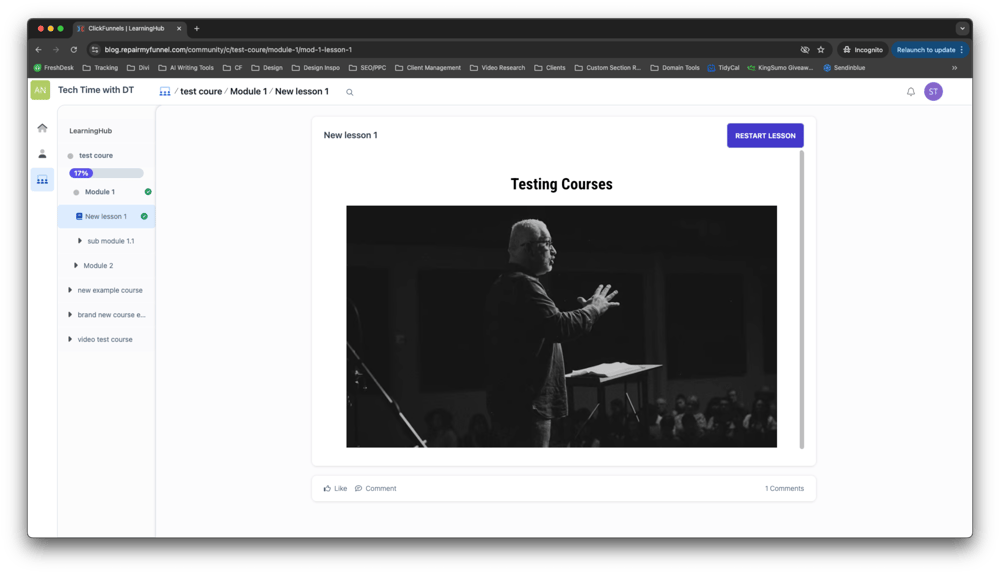
Learn how lesson tracking in ClickFunnels 2.0 can enhance your students’ learning experience by keeping them organized and on track. This guide covers everything from how the built-in tracking works to customizing progress checkmarks to fit your course’s style. Whether you’re using the default Learning Hub or a custom course setup, discover how to make the most of this feature to improve course completion rates and ensure your students never lose their place.
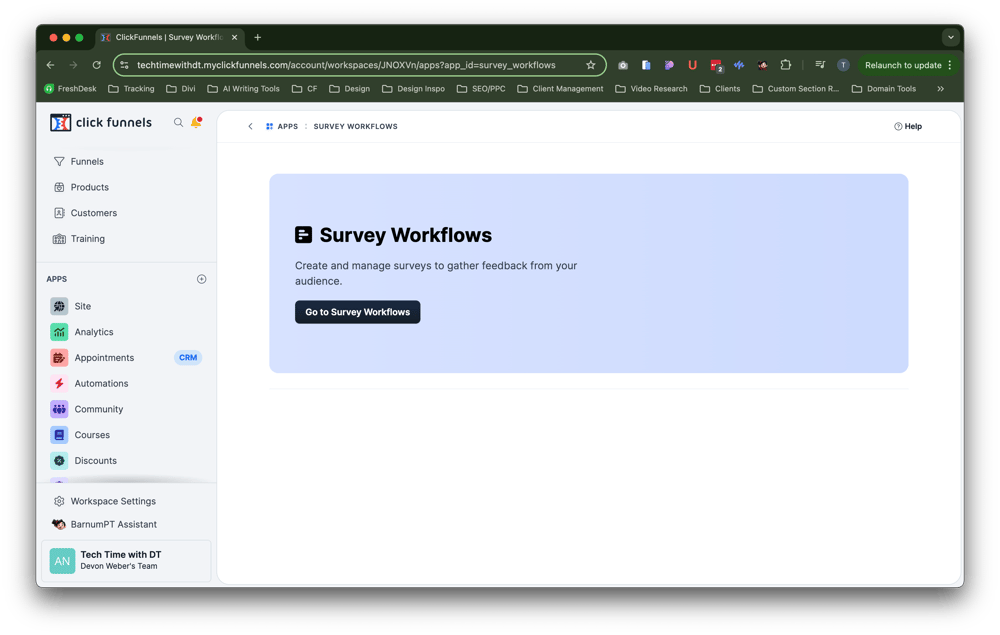
Discover how to easily view and manage all your survey responses in one convenient location with ClickFunnels 2.0. This guide walks you through accessing the new Submissions Overview feature, offering tips on how to use your survey data to optimize your marketing strategies.
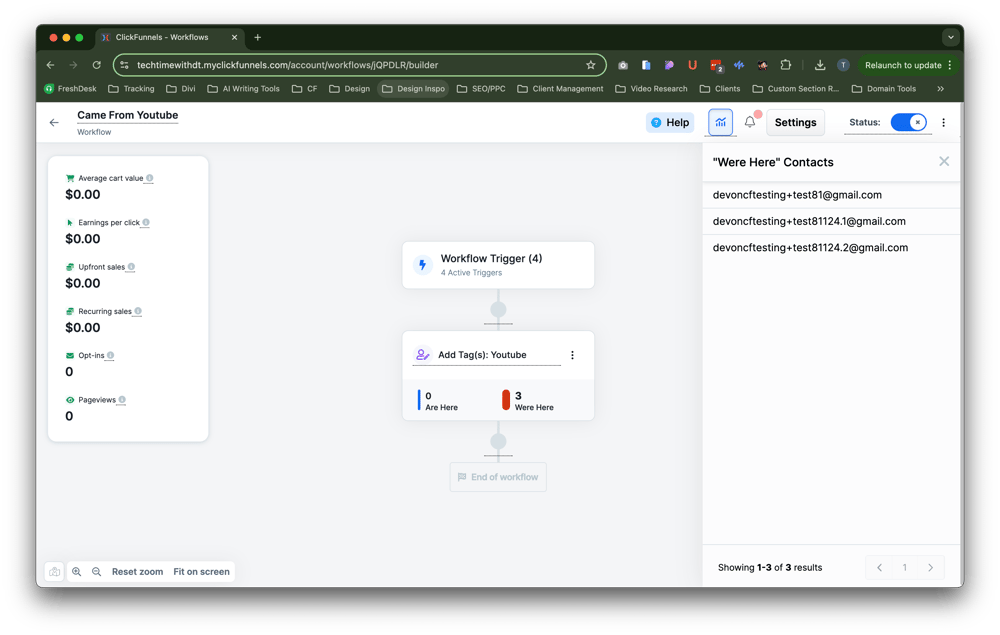
Discover how to effectively track user progress in your ClickFunnels 2.0 workflows with this comprehensive guide. We’ll walk you through the steps to enable workflow stats, monitor where users are within your funnel, and interpret the data to make informed decisions. Whether you’re troubleshooting issues or looking to optimize your marketing strategies, this step-by-step guide will help you gain valuable insights into your workflow’s performance and ensure your leads and customers are moving smoothly through your sales process.

Discover how to efficiently manage your appointments with TidyCal, the affordable alternative to Calendly. This complete walkthrough covers everything from setup to advanced features, helping you streamline your scheduling process and boost productivity.

Latest Posts
Sunday, September 29, 2024
Sunday, September 29, 2024
Monday, September 23, 2024
RepairMyFunnel.com, a DT Designs LLC Product ■ All Rights Reserved © 2024-2025 ■ 1212 5th Ave N, Apt 2, Seattle, WA 98109
Privacy Policy - Terms - Disclaimer - Contact